
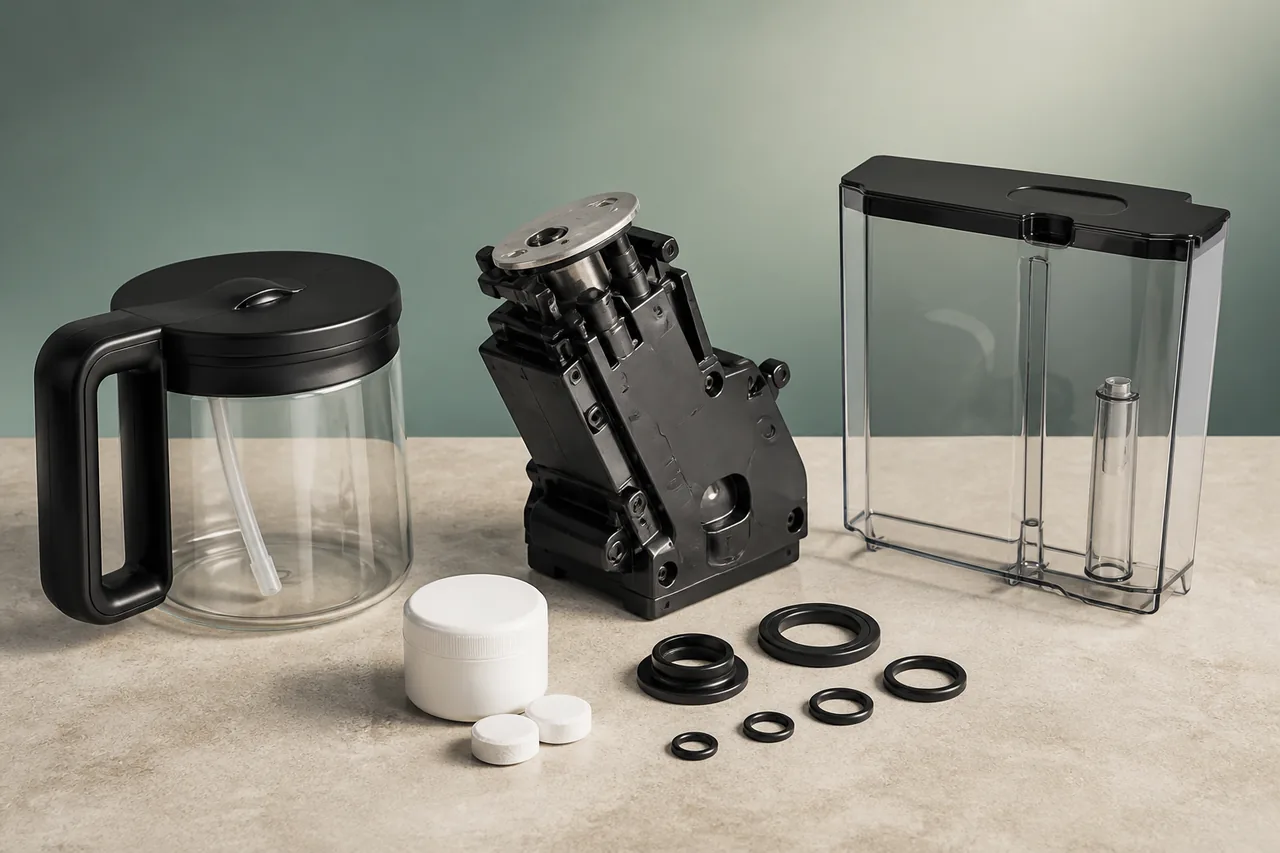
Insert water tank on Eletta Explore means the reservoir has not engaged fully, even when it appears aligned from the front. Treat the display or symptom as a clue, not as proof that a pump, grinder or board must be replaced. Change one user-accessible condition at a time and let every shutdown finish. The rear coupling or presence detection is not reached because the tank stops short or debris sits in its track. This is a presence message, not a low-water warning; filling more water will not help until the tank is seated. Remove the tank, wipe its guide and coupling area, then reinsert it straight and press gently until it reaches the stop. The message should disappear without holding the tank. If it returns whenever released, stop using wedges and contact support.
Models covered
Safety first
- Keep water out of the bean hopper, grinder and electrical openings. Never reach inside a running grinder or force a hot, pressurised component.
What the symptom may indicate
Checks in the right order
- Confirm the pattern
The rear coupling or presence detection is not reached because the tank stops short or debris sits in its track.
- Prepare safely
Finish the automatic shutdown, unplug the machine and let hot surfaces cool. Remove only the tank, tray, brew group or cleaning accessory named by the manufacturer.
- Apply the official check
Remove the tank, wipe its guide and coupling area, then reinsert it straight and press gently until it reaches the stop.
- Retest once
The message should disappear without holding the tank. If it returns whenever released, stop using wedges and contact support.
Stop and get qualified help when
- Stop for a harsh grinder noise, repeated electrical error, uncontrolled leak, burning smell or a symptom that returns after the one official retest.
Next step
Repair, replace a part, or arrange a diagnosis?
Use the checks and stop conditions above to choose a cautious next step. A symptom alone never proves that the appliance has failed.
Resolve it without buying anything
Complete the 4 user-accessible checks in order. If normal operation returns and no warning sign remains, no replacement is indicated.
Replace only the confirmed part
If the checks isolate a worn or blocked component, match its complete reference to the exact appliance model before ordering.
This guide does not identify a replacement part. Do not order a generic component from the symptom alone.
Arrange a diagnosis before replacing the appliance
Stop at any warning sign listed above. A qualified diagnosis should confirm that repair is unsafe, unavailable or uneconomical before an appliance replacement is considered.
Sources used
- De’Longhi — De’Longhi's official material documents “De’Longhi Eletta Explore: Insert water tank” and the user checks retained here.
Last checked: 30 August 2026