
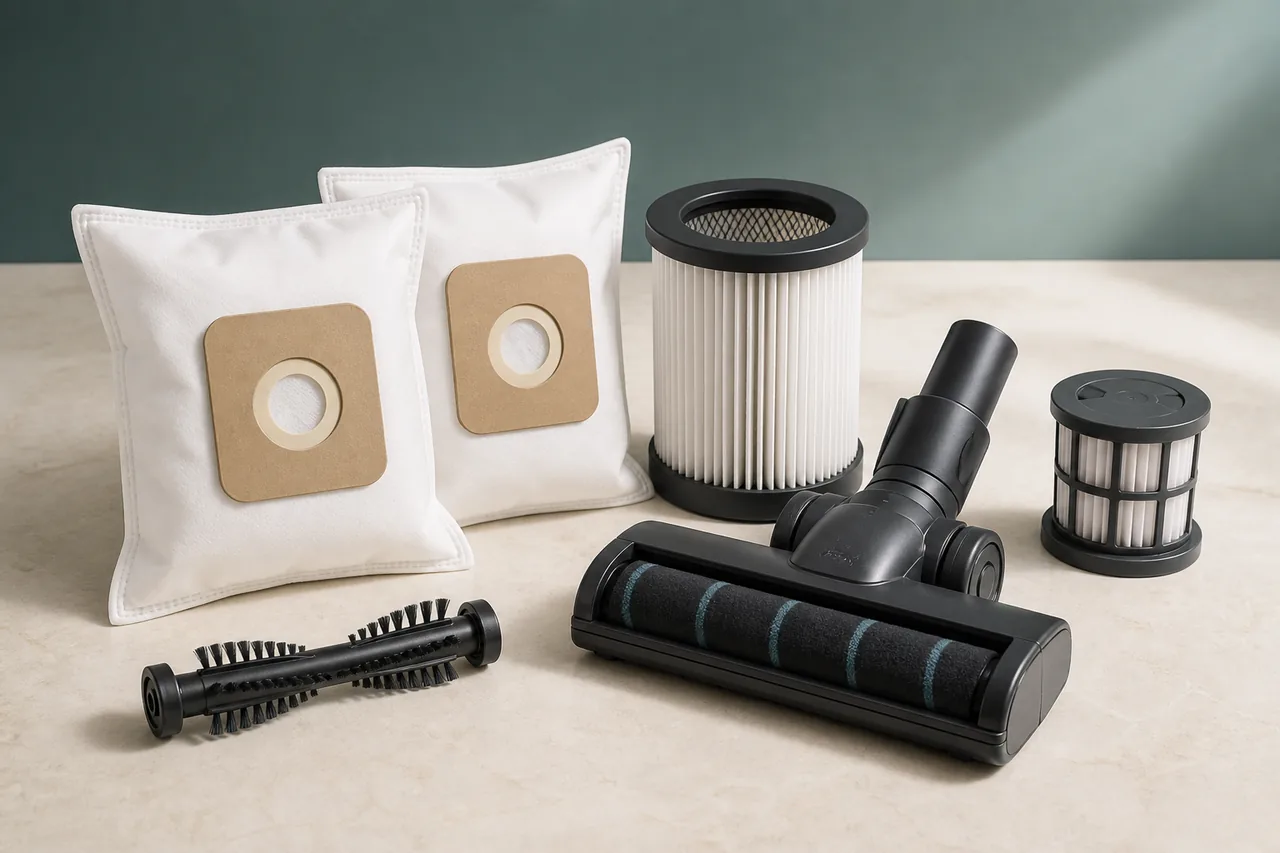
Parts
Parts and accessories for Dyson Vacuum cleaner
Compare the documented references, including 972352-01. Open the part details to check the complete model code, then view the retailer’s offer.
Gen5detect HEPA filter
Genuine HEPA filter listed by Dyson for Gen5detect and Gen5Outsize cordless vacuum variants.
Dyson's official support material for Dyson Gen5detect covers “filter not sealed alert” and the user-accessible checks used below. What to distinguish: verify whether the alert comes from a dirty, damp or incorrectly seated filter Safe check: remove the filter as documented, rinse with cold water only when permitted, air-dry fully and lock it back into its indexed position Stop for a burning smell, hot or damaged battery, liquid ingress, exposed wire or a fault that returns after one official retest.
Before checking Dyson Vacuum cleaner
- Switch off and unplug, or remove the battery only where the manual permits it. Keep water away from motors, contacts and non-washable filters.
What this symptom can mean on Dyson Vacuum cleaner
3 checks for Dyson Vacuum cleaner, starting with Make the appliance safe
- Make the appliance safe
Switch off and unplug, or remove the battery only where the manual permits it. Keep water away from motors, contacts and non-washable filters.
- Run the official user check
remove the filter as documented, rinse with cold water only when permitted, air-dry fully and lock it back into its indexed position
- Retest once and decide
verify whether the alert comes from a dirty, damp or incorrectly seated filter
Expected result
After the correct filter is fully seated and turned to its locked position, the alert should clear when the Gen5detect restarts. If the message returns with a clean seal and an undamaged filter, stop reseating it and ask Dyson to check the filter recognition or seal.
When to stop checking Dyson Vacuum cleaner
- Stop for a burning smell, hot or damaged battery, liquid ingress, exposed wire or a fault that returns after one official retest.
Next step
After checking Dyson Vacuum cleaner: repair, part or service?
Treat “Dyson Gen5detect: filter not sealed alert” as a condition to verify. The first of the 3 documented checks is “Make the appliance safe”; its result guides what follows.
Finish the checks before buying
Complete the Dyson Vacuum cleaner sequence, starting at “Make the appliance safe”. When the symptom clears without a remaining alert, no replacement is indicated.
Arrange a diagnosis if a stop condition appears
Do not condemn Dyson Vacuum cleaner from “Dyson Gen5detect: filter not sealed alert” alone. Stop at the warnings above and let a qualified diagnosis establish whether repair remains safe and proportionate.
Sources used
- Dyson — Dyson's official support material for Dyson Gen5detect covers “filter not sealed alert” and the user-accessible checks used below.
Last checked: 30 August 2026