
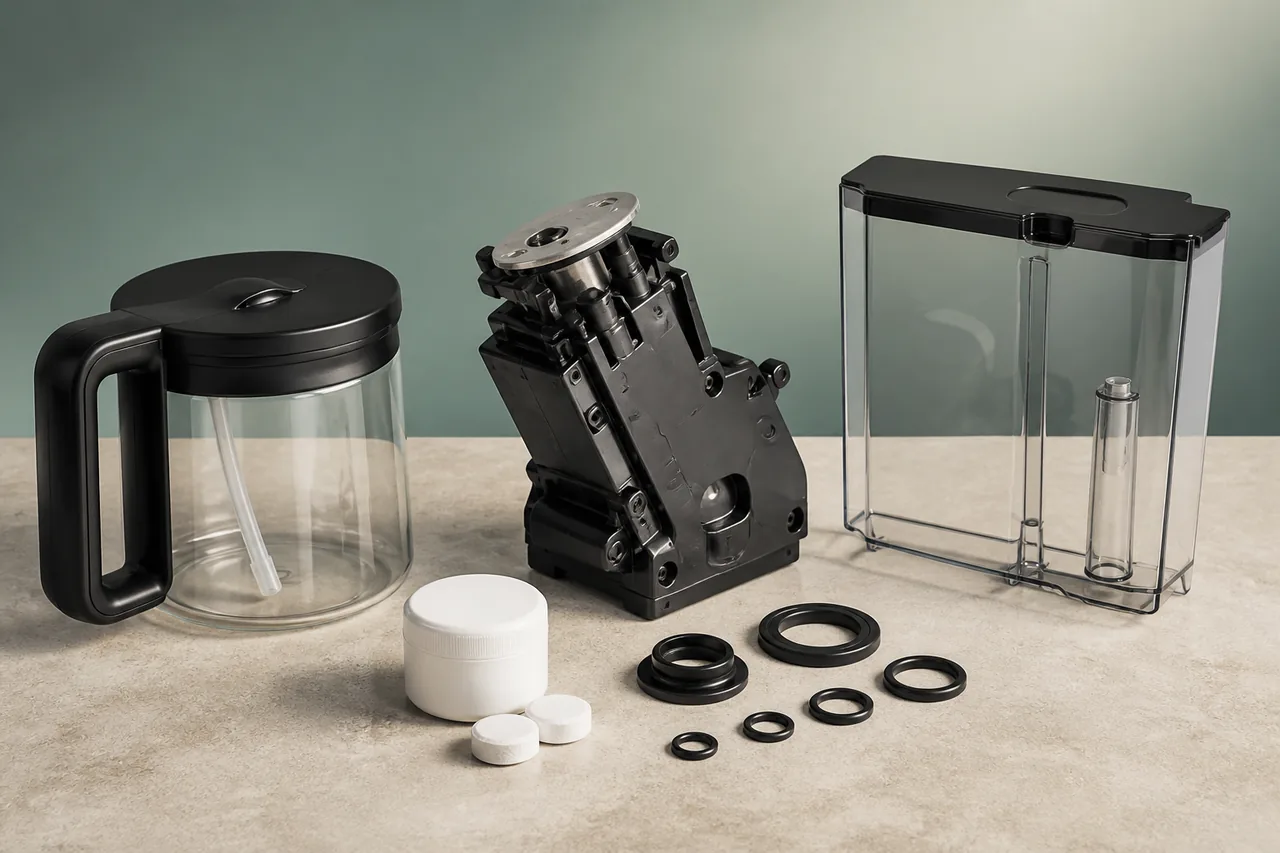
On a Nespresso Vertuo Pop, the meaning comes from the exact light rhythm and machine state, not simply the colour orange. The official manual maps 1.5 seconds on followed by 0.5 seconds off to an empty water tank; two quick orange flashes followed by a long pause indicate an error; alternating orange and white three times then steady signals that descaling is due; five orange flashes within ten seconds confirms a factory reset. Rapid orange blinking throughout an active descale cycle is normal. Watch one complete sequence before touching the machine, note whether a capsule or maintenance cycle is active, then follow only the matching branch. This avoids unnecessary resets and keeps this guide distinct from the separate no-coffee/no-water diagnosis.
Models covered
Safety first
- Keep hands away from the capsule-piercing area, never open a locked or pressurised head and let hot parts cool. Use no vinegar or unapproved liquid in place of the specified descaling product.
What the symptom may indicate
Checks in the right order
- Count one full sequence
Do not press repeatedly. Watch for at least ten seconds and record colour, number of flashes, pause length and whether the machine is brewing, cleaning or descaling.
- Correct simple operating conditions
For an empty-tank rhythm, fill and seat the tank. For two quick flashes, eject a used capsule, insert a fresh undamaged one for brewing, fill the tank and lock the head fully.
- Allow cooling and make one restart
If the pattern persists outside maintenance, switch off with a three-second press, disconnect for ten seconds, reconnect and allow up to twenty minutes to cool after heavy use.
- Follow the official descale branch
For the three-alternation descale alert, use the Vertuo Pop procedure and Nespresso descaling product. Do not confuse the rapid in-cycle blink with a new fault or interrupt the rinse early.
Stop and get qualified help when
- Stop and contact Nespresso if the head will not lock, the cord or machine leaks, the light pattern is not documented, two-flash errors return after one restart or the machine remains in maintenance mode after the official exit procedure.
Next step
Repair, replace a part, or arrange a diagnosis?
Use the checks and stop conditions above to choose the least costly safe next step. A symptom alone never proves that the appliance has failed.
Resolve it without buying anything
Complete the 4 safe checks in order. If normal operation returns and no warning sign remains, no replacement is indicated.
Replace only the confirmed part
If the checks isolate a worn or blocked component, match its complete reference to the exact appliance model before ordering.
This guide does not identify a replacement part. Do not order a generic component from the symptom alone.
Arrange a diagnosis before replacing the appliance
Stop at any warning sign listed above. A qualified diagnosis should confirm that repair is unsafe, unavailable or uneconomical before an appliance replacement is considered.
Stop and get qualified help when : 1
Compare replacement appliances on AmazonPaid Amazon search. Results are suggestions, not a diagnosis or a recommendation to discard the appliance.Sources used
- Nespresso — The official Vertuo Pop manual maps the empty-tank, two-flash error, five-flash reset and alternating orange/white descale-alert patterns.
- Nespresso — Nespresso’s machine-assistance page documents capsule, lock, water, power-cycle and cooling checks, plus the three-alternation descale alert.
Last checked: 29 August 2026