
Code F0 on the Philips AC3829 requests cleaning of the pre-filter or descaling of the humidification wick before reset. Read the exact indicator before resetting anything: filter, air-quality, network and motor warnings do not mean the same thing. Keep the unit upright with its inlets clear and use only the controls and removable items named in the manual. What the alert means: The appliance has reached a cleaning interval for its washable pre-filter or humidification element, not a motor fault. What to distinguish first: Inspect dust on the pre-filter and mineral scale on the wick; the dirt pattern determines which maintenance is due. 1. Confirm the exact symptom — The appliance has reached a cleaning interval for its washable pre-filter or humidification element, not a motor fault. 2. Prepare safely — Turn the purifier off and unplug it before opening a cover, cleaning a sensor or touching a filter. 3. Apply the official check — Clean the pre-filter and descale the humidification wick exactly as the manual states, dry reusable parts and then reset F0. 4. Interpret one retest — Run briefly with every cover seated. If F0 returns immediately, repeat the reset only after confirming all cleaned parts are fitted. The official Philips procedure identifies this exact symptom and supports the checks above. Do not wash a non-washable HEPA or carbon filter and keep liquids away from the fan and sensor electronics. Stop and contact support if a motor code remains, the fan does not start or there is heat, smoke or an electrical smell.
Models covered
Safety first
- Do not wash a non-washable HEPA or carbon filter and keep liquids away from the fan and sensor electronics.
What the symptom may indicate
Checks in the right order
- Confirm the exact symptom
The appliance has reached a cleaning interval for its washable pre-filter or humidification element, not a motor fault.
- Prepare safely
Turn the purifier off and unplug it before opening a cover, cleaning a sensor or touching a filter.
- Apply the official check
Clean the pre-filter and descale the humidification wick exactly as the manual states, dry reusable parts and then reset F0.
- Interpret one retest
Run briefly with every cover seated. If F0 returns immediately, repeat the reset only after confirming all cleaned parts are fitted.
Stop and get qualified help when
- Stop and contact support if a motor code remains, the fan does not start or there is heat, smoke or an electrical smell.
Next step
Repair, replace a part, or arrange a diagnosis?
Use the checks and stop conditions above to choose a cautious next step. A symptom alone never proves that the appliance has failed.
Resolve it without buying anything
Complete the 4 user-accessible checks in order. If normal operation returns and no warning sign remains, no replacement is indicated.
Replace only the confirmed part
If the checks isolate a worn or blocked component, match its complete reference to the exact appliance model before ordering.
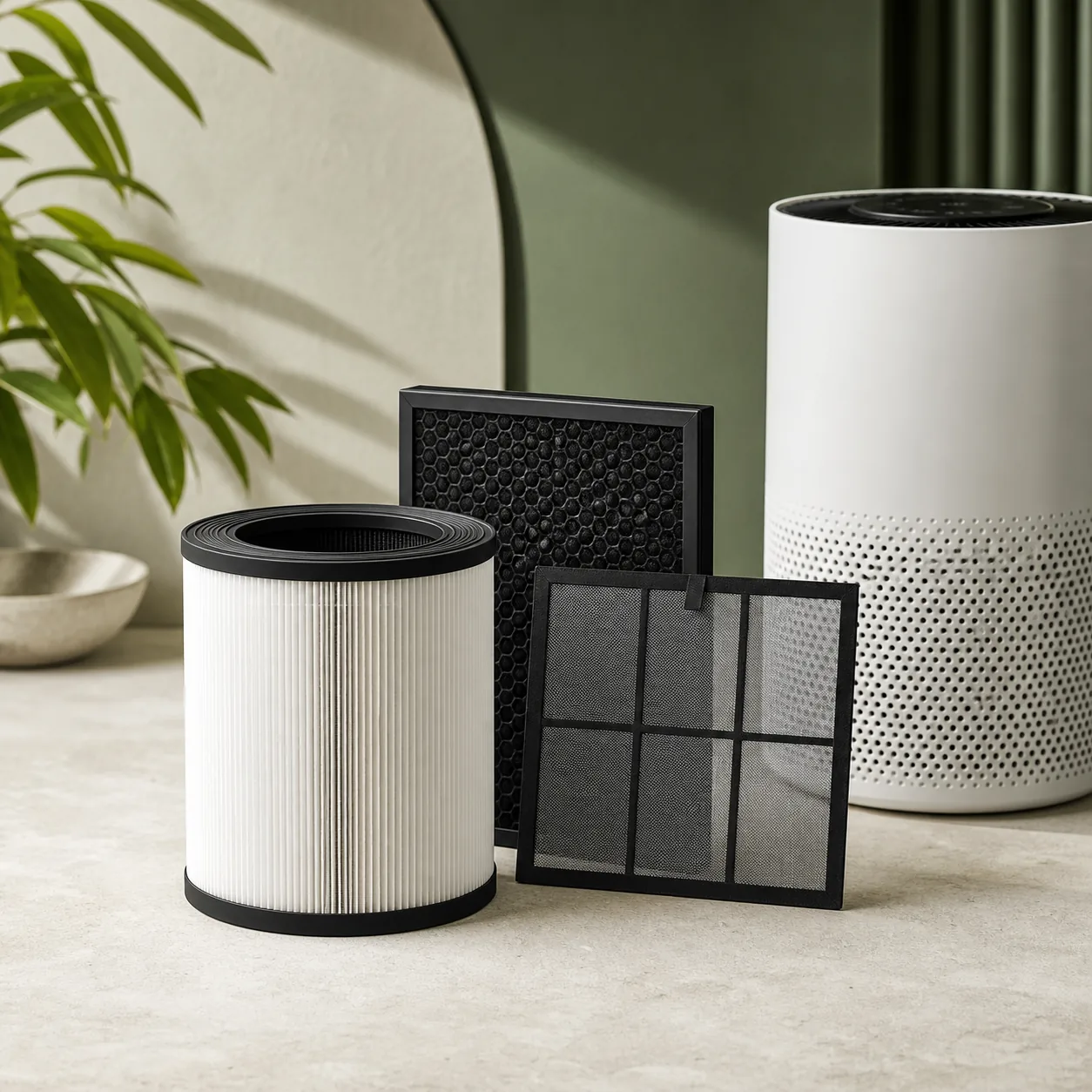
Humidification wick
Official humidification wick reference FY3435/30, explicitly listed by Philips for AC3829/10. Compare the complete model code before ordering.
Amazon results are not a compatibility confirmation.Arrange a diagnosis before replacing the appliance
Stop at any warning sign listed above. A qualified diagnosis should confirm that repair is unsafe, unavailable or uneconomical before an appliance replacement is considered.
Sources used
- Philips — The official Philips procedure identifies this exact symptom and supports the checks above.
Last checked: 30 August 2026