
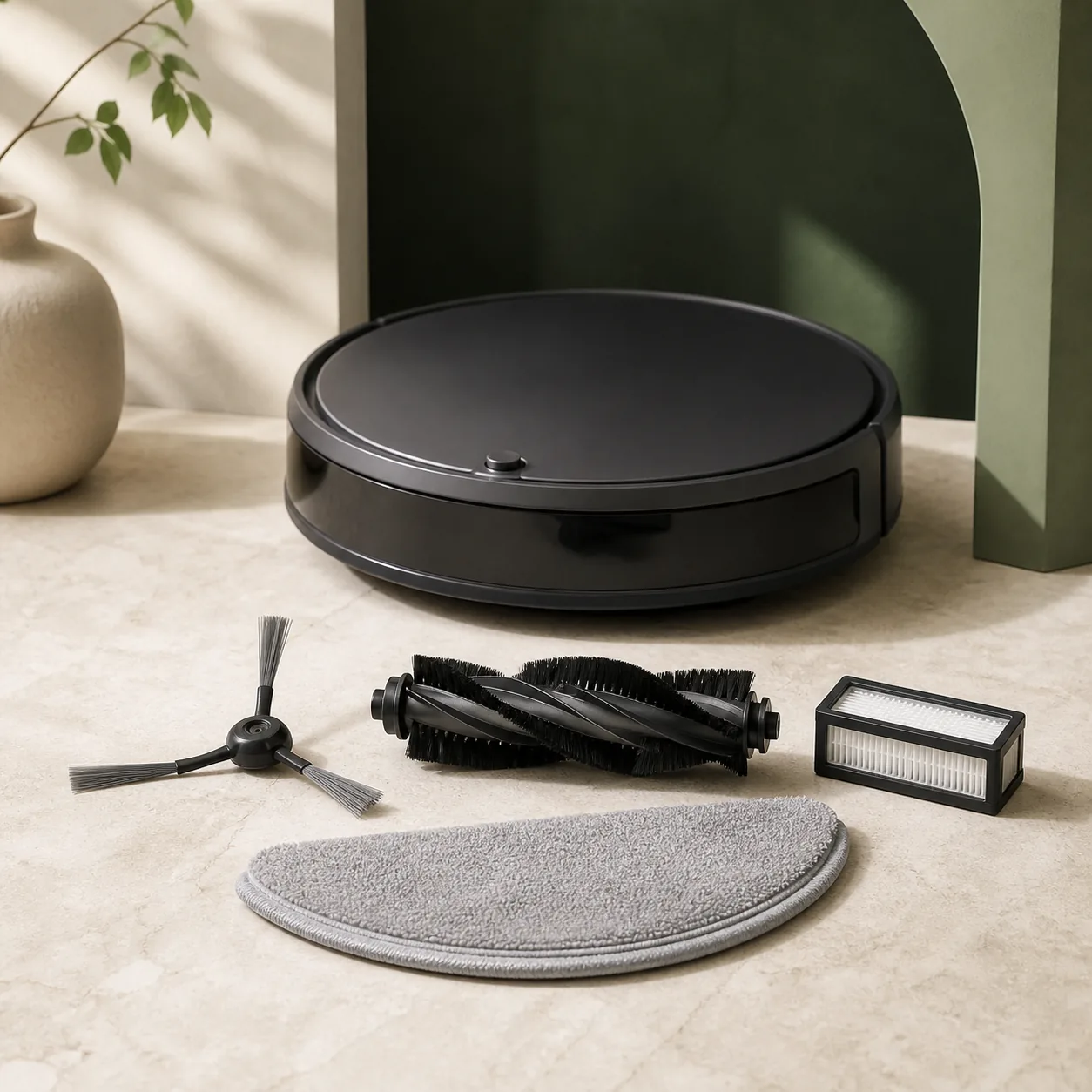
Roomba Error 26 has a defined meaning: iRobot identifies insufficient airflow through the vacuum system. It is more specific than a general cleaning complaint and should not be confused with a charging code or a navigation error. The official route begins at the bin filter because a loaded filter can starve the vacuum motor of air even when the robot still drives normally. Work on a dry, stable surface and keep the robot body away from water throughout the procedure.
Remove and empty the bin, then take the filter out by its edge. Tap loose dust into a waste container; do not rinse the filter and do not apply liquid to it. A filter that is wet, torn, deformed or remains heavily loaded after tapping is not a candidate for further washing. It must be replaced with the correct filter for the exact Roomba series. Similar-looking filters are not enough evidence of compatibility, and an incorrect fit can leave an air leak or restriction in place.
The bin and the filter have different cleaning rules. iRobot allows the empty bin to be rinsed by hand with warm water on the models covered by the procedure, but the bin must not go in a dishwasher. Remove the dry filter before any rinse and keep the robot itself dry. Afterward, allow every corner and air passage of the bin to dry completely. Reinstalling the filter into a damp bin can transfer moisture to material that iRobot says must stay dry and can make the diagnosis less reliable.
Once the dry filter and fully dry bin are correctly seated, use the reboot method for the series rather than choosing a random button duration. On the supported j Series and Combo 10 Max route, iRobot specifies nine seconds; on the i Series route it specifies twenty seconds. Let the restart complete before running one short cleaning test. Repeated reboots without repeating the physical check do not improve airflow and can hide whether the filter intervention made a difference.
Interpret the result narrowly. If Error 26 does not return and the vacuum sound is normal, the filter or bin airflow was the likely cause. If the code comes back after a known-correct dry filter, a dry bin and the series-specific reboot, do not continue by opening fixed covers. iRobot’s guidance then points toward the cleaning-head module on serviceable designs or toward support verification for robots whose cleaning head is not a user-replaceable module.
Stop sooner if liquid entered the robot, the motor sounds harsh or irregular, the filter cannot be identified, or a fixed part would have to be removed. Error 26 alone does not prove that a replacement cleaning head is required; it defines the failed airflow condition. The exact model and serial information, the filter used and the fact that the official cleaning and reboot sequence was completed are the useful details to provide to iRobot before a part is ordered.
Before checking iRobot Robot vacuum
- Keep the filter and robot body dry, never dishwasher-clean the bin, remove no fixed covers and do not run the robot until the rinsed bin is completely dry.
What this symptom can mean on iRobot Robot vacuum
4 checks for iRobot Robot vacuum, starting with Remove and empty the bin
- Remove and empty the bin
Pause the robot on a stable dry surface, remove the bin using its release and empty loose debris without opening the robot body.
- Tap-clean or replace the filter
Remove the filter by its edge and tap it against the waste container. Do not wash it. Replace a damaged, wet or persistently clogged filter with the correct model part.
- Rinse only the bin and dry fully
If needed, rinse the empty bin by hand with warm water—never in a dishwasher. Let every surface dry completely before reinstalling the dry filter and bin.
- Use the correct reboot once
After refitting, hold CLEAN for nine seconds on the specified j Series and Combo 10 Max, or twenty seconds on i Series. Let the reboot finish, then run one short test.
When to stop checking iRobot Robot vacuum
- Stop and contact iRobot if Error 26 returns after the correct filter and one reboot, the vacuum motor sounds abnormal, liquid entered the robot, the filter is unavailable or the serial/model indicates a non-modular cleaning head.
Next step
Choose the next step for iRobot Robot vacuum
For “Roomba Error 26: insufficient airflow”, base the decision on the documented sequence beginning with “Remove and empty the bin”, not on the warning or symptom alone.
Start with Remove and empty the bin
Work through all 4 checks for iRobot Robot vacuum. If normal operation returns and no warning sign remains, the diagnosis ends without ordering a part.
Stop the iRobot Robot vacuum check at a warning sign
Use the stop conditions above for “Roomba Error 26: insufficient airflow”. A qualified diagnosis should come before replacing the appliance whenever repair safety or feasibility is uncertain.
Sources used
- iRobot — iRobot defines Error 26 as insufficient airflow, instructs owners to clean or replace the dry bin filter, hand-rinse and fully dry the bin, reboot by series and escalate a persistent fault.
Last checked: 29 August 2026