
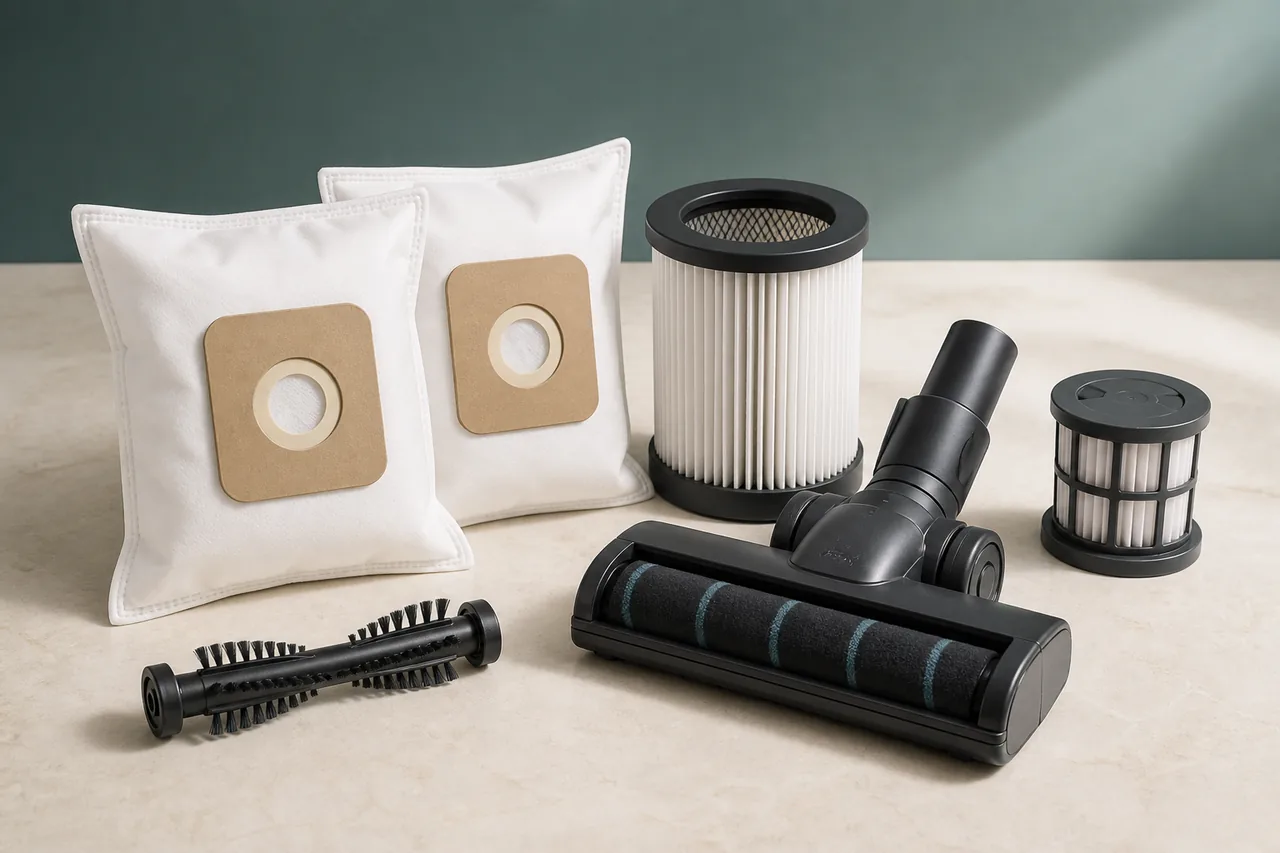
Low suction and a red brushroll light on a Shark upright vacuum are related only in some cases, so do not collapse them into one diagnosis. Shark’s maintenance guidance separates the airflow route from the powered floor-nozzle warning. Weak pickup can come from a full dust cup, loaded filters or a blockage in the hose, wand, pod, handle or nozzle. A solid red brushroll indicator means the roller area is jammed. A flashing red indicator means the motorised floor nozzle has overheated and needs a cooling period after the obstruction is removed.
Before any inspection, switch the vacuum off and unplug it. Empty the dust cup even if it is not packed to the lid, because compacted material near the inlet can reduce flow. Check each removable section separately: look through the hose and wand, inspect the connections at the handle and pod, and examine the accessible path into the nozzle. Reconnect every joint until it clicks. A gap at a connection can weaken pickup even when there is no visible plug of debris.
Filters must be handled according to the exact model. Where Shark marks them as washable, rinse them with cold water and allow a complete 24-hour air-dry before refitting. A filter that feels dry at the edge may still retain moisture internally. Do not run the vacuum without the specified filters and do not shorten drying with heat. If a filter is torn, distorted or remains loaded after the approved cleaning, identify the correct model reference before considering replacement.
Read the brushroll light before touching the roller. With solid red, keep the machine unplugged and remove accessible hair, thread and debris from the brush area. Inspect the full width and both ends rather than cutting only what is visible at the centre. With flashing red, clear the obstruction and then leave the floor nozzle to cool for at least 60 minutes. Restarting a hot head repeatedly does not test the repair; it interrupts the cooldown that Shark prescribes.
After dry filters, clear airways and a free roller are back in place, perform one brief normal test. Suction restored across the hose, wand and nozzle points to a maintenance restriction. A solid red light that disappears after debris removal confirms a jam. A flashing light that stays off after the full cooling period suggests the overheat condition has cleared. If weak pickup affects every configuration, or if either red warning returns immediately, stop the test and keep the exact model number for Shark support.
Do not open the powered nozzle or motor body, and never touch the roller while the plug is connected. A damaged cable, plug, connector pin, roller housing, burning smell or unusual heat is not a cleaning problem. Similar Shark vacuums can use different filters and powered heads, so a replacement should be matched to the complete model rather than selected from appearance alone.
Before checking Shark Vacuum cleaner
- Never reinstall a damp filter and never handle a powered brushroll while the vacuum is connected to electricity.
What this symptom can mean on Shark Vacuum cleaner
4 checks for Shark Vacuum cleaner, starting with Power down
- Power down
Turn the vacuum off and unplug it before touching the brushroll, filters, hose, wand or nozzle.
- Empty and clean filters
Empty the dust cup. For model-approved washable filters, rinse with cold water and let them dry completely for 24 hours before reinstalling.
- Clear the airflow path
Inspect the hose, wand, pod, cup, handle and nozzle. Remove only accessible clogs and reconnect every joint until it clicks.
- Treat the red light correctly
For solid red, clear hair and debris from the unplugged brushroll. For flashing red, also leave the floor nozzle to cool for at least 60 minutes before restarting.
When to stop checking Shark Vacuum cleaner
- Stop for a damaged cord, plug, connector pin or brushroll housing, and use Shark support with the exact model number.
- If the red light returns after clearing and cooling, do not open the powered nozzle or motor body.
Next step
What the Shark Vacuum cleaner checks lead to
The 4-check path for “Shark vacuum low suction or red brushroll light” starts with “Power down” and separates a resolved condition, an identified part and a case requiring service.
No purchase after a successful check
Follow the Shark Vacuum cleaner controls in order. If “Power down” and the remaining checks restore normal operation with no warning, stop without replacing anything.
Escalate only on the documented warning signs
For “Shark vacuum low suction or red brushroll light”, use the stop conditions above rather than the symptom by itself. Professional confirmation should precede any decision to replace Shark Vacuum cleaner.
Sources used
- Shark — Shark documents the filter, blockage and 24-hour drying checks, plus solid-red jam and flashing-red overheat meanings.
Last checked: 26 August 2026