
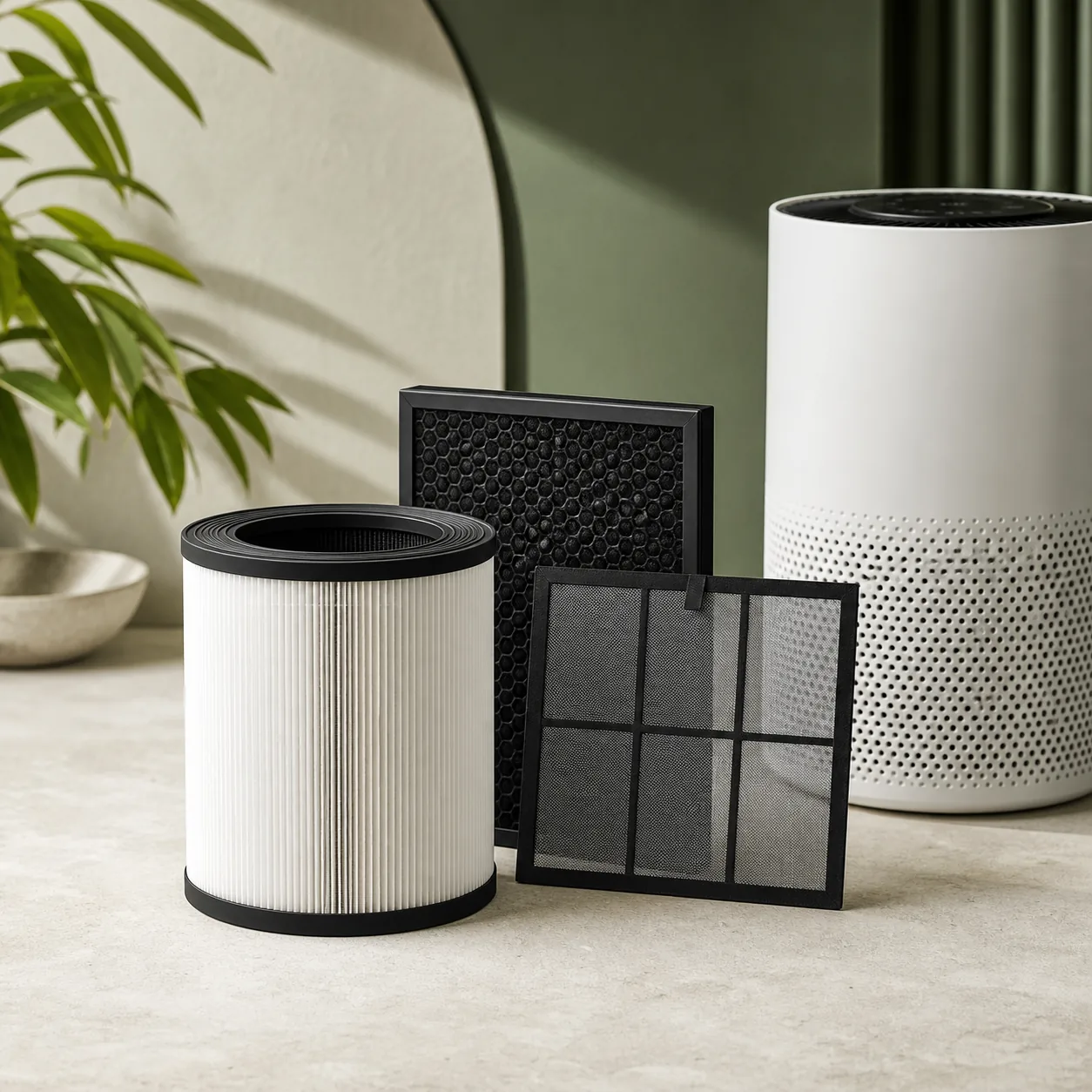
If Winix, Coway, Blueair and Levoit air purifiers airflow remains weak at a high fan speed, use these manufacturer-documented checks to identify the cause before replacing a part or requesting service. The official sources listed below tie “airflow remains weak at a high fan speed” to the exact related models and to this shared first-line control path. Restricted inlets, a wrapped filter or a clogged pre-filter reduce air volume before the motor is at fault. Switch off and unplug before opening a filter cover. Keep water, sprays, fingers and tools away from the fan, sensor and electrical openings. Switch off, remove all filter packaging, vacuum only the washable pre-filter surface and restore the manual's wall clearance. Run one ten-minute test at a fixed speed and compare airflow, sound and indicators without opening the unit again. Stop and contact the manufacturer for a damaged cord, liquid ingress, burning smell, smoke, severe vibration or a fan that still scrapes after the documented checks.
Models covered
Safety first
- Switch off and unplug before opening a filter cover. Keep water, sprays, fingers and tools away from the fan, sensor and electrical openings.
What the symptom may indicate
Checks in the right order
- Make the appliance safe
Switch off and unplug before opening a filter cover. Keep water, sprays, fingers and tools away from the fan, sensor and electrical openings.
- Apply the official user check
Switch off, remove all filter packaging, vacuum only the washable pre-filter surface and restore the manual's wall clearance.
- Retest once and decide
Run one ten-minute test at a fixed speed and compare airflow, sound and indicators without opening the unit again.
Stop and get qualified help when
- Stop and contact the manufacturer for a damaged cord, liquid ingress, burning smell, smoke, severe vibration or a fan that still scrapes after the documented checks.
Next step
Repair, replace a part, or arrange a diagnosis?
Use the checks and stop conditions above to choose a cautious next step. A symptom alone never proves that the appliance has failed.
Resolve it without buying anything
Complete the 3 user-accessible checks in order. If normal operation returns and no warning sign remains, no replacement is indicated.
Replace only the confirmed part
If the checks isolate a worn or blocked component, match its complete reference to the exact appliance model before ordering.
This guide does not identify a replacement part. Do not order a generic component from the symptom alone.
Arrange a diagnosis before replacing the appliance
Stop at any warning sign listed above. A qualified diagnosis should confirm that repair is unsafe, unavailable or uneconomical before an appliance replacement is considered.
Sources used
- Winix — The 5300-2 manual's Troubleshooting section separates plug/front-panel power checks, weak airflow, noise, odour and sensor behaviour.
- Winix — The C545 manual's Troubleshooting and filter-maintenance pages document front-panel interlock, airflow/noise, filter light and Wi-Fi/app checks.
- Coway — Coway's official manual library lists Airmega 250 by exact product name and links its user manual, which documents Max2 filter seating, indicators, sensor and controls.
- Blueair — The exact Blue Pure 211i Max manual documents filter replacement/reset, status-light brightness, app connectivity and the unexpected-noise troubleshooting path.
- Levoit — The Core P350/P350-RAC manual's Troubleshooting table covers no power, reduced airflow, unusual noise, poor purification and a Check Filter light after replacement.
- Levoit — Levoit's exact Vital 200S-P page documents the infrared dust sensor, Auto and Pet modes, U-shaped inlet, Sleep display, VeSync schedules and voice control.
Last checked: 30 August 2026