
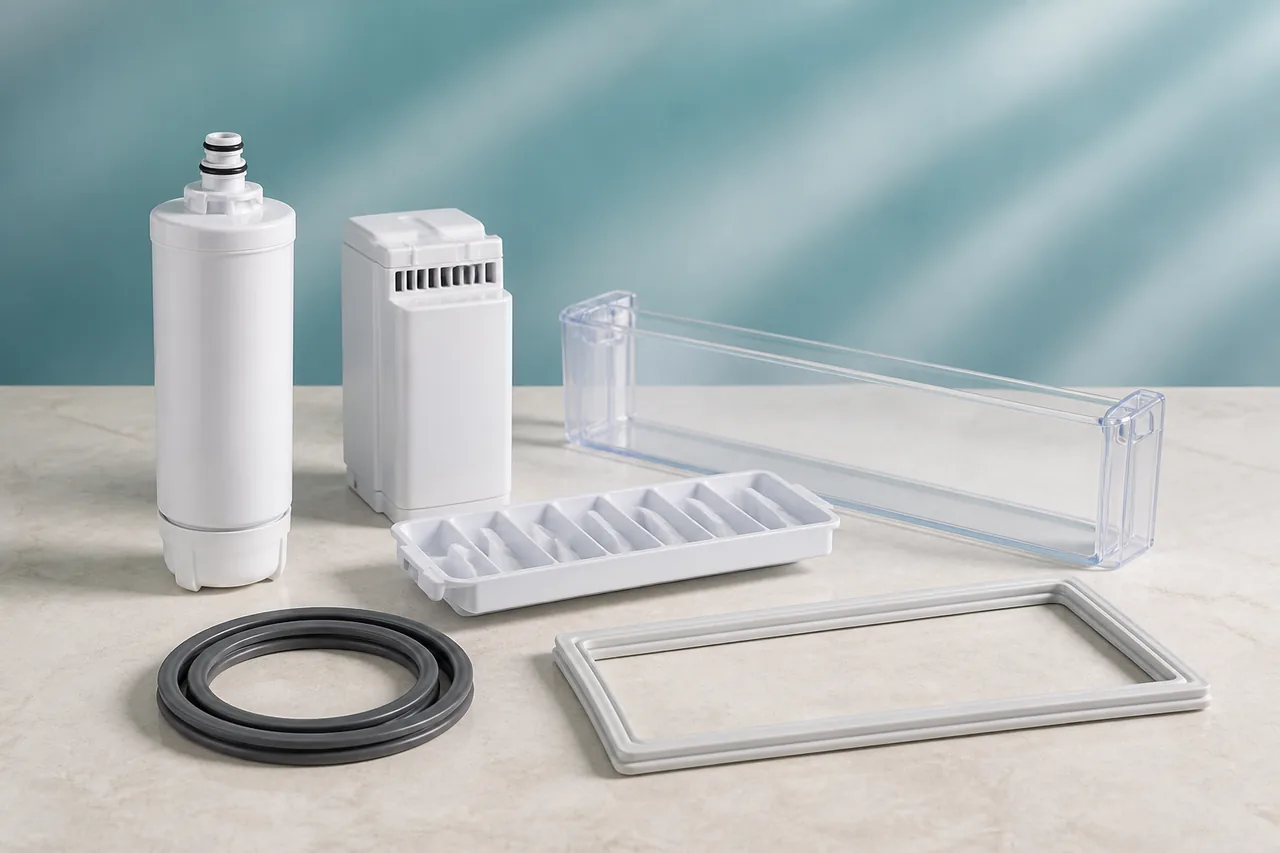
A Samsung refrigerator can stop making ice because production is disabled, the freezer is too warm, a door is not closing, air circulation is blocked, water flow is restricted or ice has clumped in the bucket. A new installation can also need up to 24 hours before normal production.
The official checks therefore begin at the display and operating conditions, not with part replacement. Test and reset procedures vary by model, and pressing the test button repeatedly can cause overflow, so use the full model manual before that final step. A red filter indicator means maintenance is due but does not alone diagnose an ice-maker motor fault.
Before checking Samsung Refrigerator
- Do not repeatedly press the ice-maker test button, pour hot water into the compartment or use a knife to break ice; these actions can cause overflow, damage or injury.
What this symptom can mean on Samsung Refrigerator
4 checks for Samsung Refrigerator, starting with Check controls, doors and temperature
- Check controls, doors and temperature
Confirm the ice maker is enabled and child lock is off. Close every door, clear blocked air vents and set the freezer to the value in the manual; Samsung commonly recommends -18°C or colder.
- Confirm the water path
Make sure the household valve is open and the tube is not kinked, blocked or damaged. If the refrigerator uses a refillable tank, fill it with drinking water and seat it correctly.
- Check the filter and ice bucket
Replace an overdue filter with the exact approved reference, then remove clumped ice from the bucket and refit the bucket until it clicks. Do not chip ice with a sharp tool.
- Use the model-specific test once
Locate the Test button only from the exact manual, press it once as instructed and allow up to 24 hours after reset for new ice. Record any chime or error for support.
When to stop checking Samsung Refrigerator
- Stop for a water leak, damaged line, ice around electrical connectors, error code, cooling failure or no response to the single documented test; contact Samsung service.
Next step
What the Samsung Refrigerator checks lead to
The 4-check path for “Samsung refrigerator ice maker not making ice” starts with “Check controls, doors and temperature” and separates a resolved condition, an identified part and a case requiring service.
No purchase after a successful check
Follow the Samsung Refrigerator controls in order. If “Check controls, doors and temperature” and the remaining checks restore normal operation with no warning, stop without replacing anything.
Escalate only on the documented warning signs
For “Samsung refrigerator ice maker not making ice”, use the stop conditions above rather than the symptom by itself. Professional confirmation should precede any decision to replace Samsung Refrigerator.
Sources used
- Samsung · source in French — Samsung France lists the ice-maker setting, child lock, airflow, doors, water connection, filter, bucket and a single model-specific reset as the official checks.
Last checked: 29 August 2026